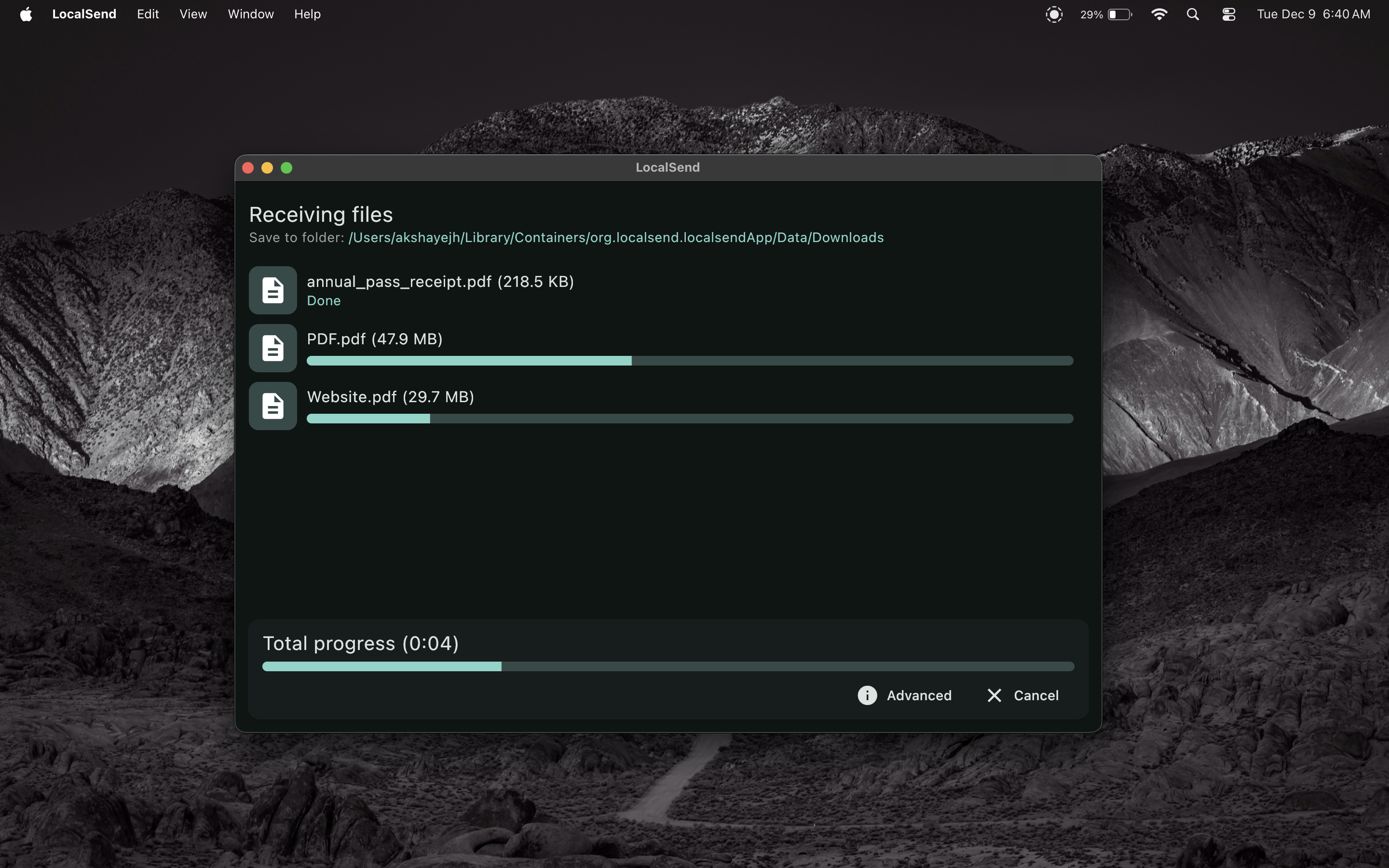
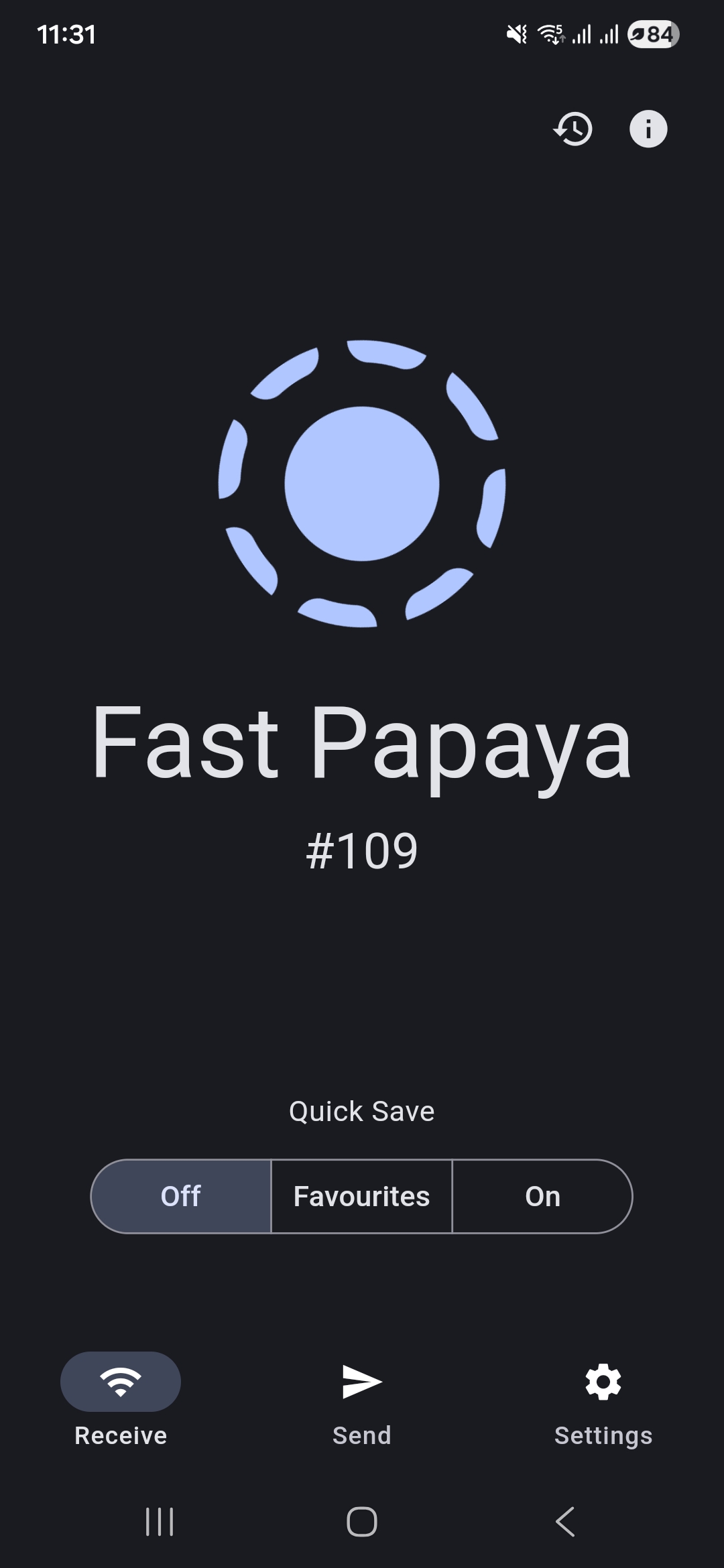
Features
Everything you need for secure, fast file sharing across your local network.
Cross-platform
LocalSend is available for Windows, macOS, Linux, Android, and iOS.
Secure
End-to-end encryption ensures that only you and the recipient can access your files.
No Internet Required
Works completely offline. Your data never leaves your local network.
Blazingly Fast
Transfer files at the maximum speed of your WiFi network. No bandwidth limits.
How It Works
Zero configuration. Just install and start sharing.

Install & Open
Download LocalSend on all your devices. No account, no login, no servers.
Select Files
Choose photos, videos, documents, or text. Any file type is supported.
Tap to Send
Tap the nearby device. The transfer happens instantly over your local network.
In the News
See what tech publications are saying about LocalSend.
LocalSend: An Open-Source AirDrop Alternative For Everyone!
Read Article →Mit Localsend lassen sich Dateien schnell im WLAN teilen
Read Article →LocalSend – 无联网,开源跨平台的局域网文件互传工具[2023年的第一个精选]
Read Article →Cette application universelle offre un partage de fichiers inspiré d'AirDrop à tous vos appareils
Read Article →クロスプラットフォームに対応したファイル共有ソフト!「LocalSend」。
Read Article →LocalSend: Transfiere archivos del móvil al ordenador, y viceversa
Read Article →LocalSend — бесплатная программа для обмена файлами и текстом через WiFi
Read Article →대용량 파일 전송 끝판왕 크로스플랫폼 LocalSend
Read Article →Invia file in modo sicuro sulla rete locale con l'app LocalSend multipiattaforma
Read Article →Frequently Asked Questions
Is it really free?
Yes, LocalSend is 100% free and open source. There are no ads, no tracking, and no hidden costs.
Does it work over the internet?
No. LocalSend uses your local WiFi network to transfer files. Your data never leaves your local network.
Is it secure?
Yes. All transfers are encrypted using HTTPS. You can also enable PIN verification for extra security.
Where do files go?
Files are saved to your device's Downloads folder by default, but you can change this in the settings.
Which platforms are supported?
LocalSend is available for Windows, macOS, Linux, Android, and iOS.
Do I need to create an account?
No. LocalSend does not require any account or login. Just install and start sharing.
Contact Us
Get in touch with the team or the community.